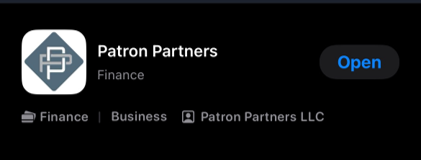
Now Live: The Patron Partners App
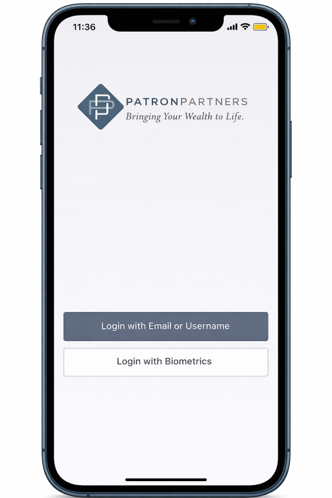
Take control of your financial future with our new mobile app. Get real-time access to your accounts, performance updates, and direct communication with our team—anytime, anywhere.
How to Access the Patron Partners App
Step 1: Set Up Your Portal Access
Before using the app, you must first activate your client portal.
Use your existing portal login credentials—your app login will be the same.
If you have not set up your portal yet, please contact our team for an invitation.
Step 2: Download the App
iPhone (iOS):
Open the App Store and search for “Patron Partners”, then tap Download.Android:
Open the Google Play Store and search for “Patron Partners”, then tap Install.
Step 3: Log In
Once downloaded, open the app and log in using your same username and password as your client portal.
Need Help?
If you need assistance setting up your portal or accessing the app, please contact our team—we’re happy to help.